









How do I connect my ChargePoint account for EV charging?
If your Pathways location uses ChargePoint EV charging, you’ll need to connect your ChargePoint driver account before charging at that location.
Before you begin
- Download the ChargePoint mobile app on your smartphone.
- Create or sign in to your ChargePoint account.
- Add a payment method, such as a credit card, PayPal, or Apple Pay, if ChargePoint prompts you.
- Use this Pathways connection code: PathwaysEV.
If you need help with your ChargePoint account, contact ChargePoint Driver Support at 1-888-758-4389. Support is available 24 hours a day in the U.S. and Canada.
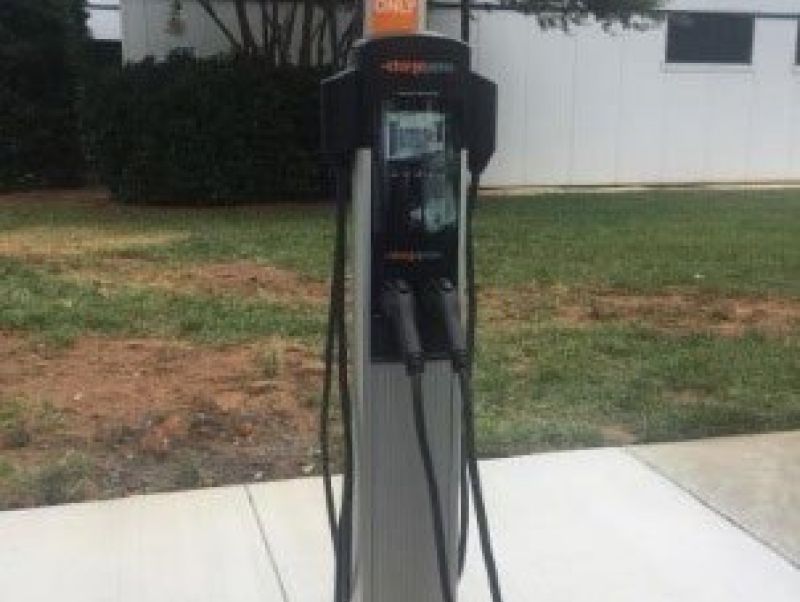
Charge after your account is connected
Once your driver account is approved, you can charge using the ChargePoint mobile app. You can also use your ChargePoint network card once it arrives in the mail.
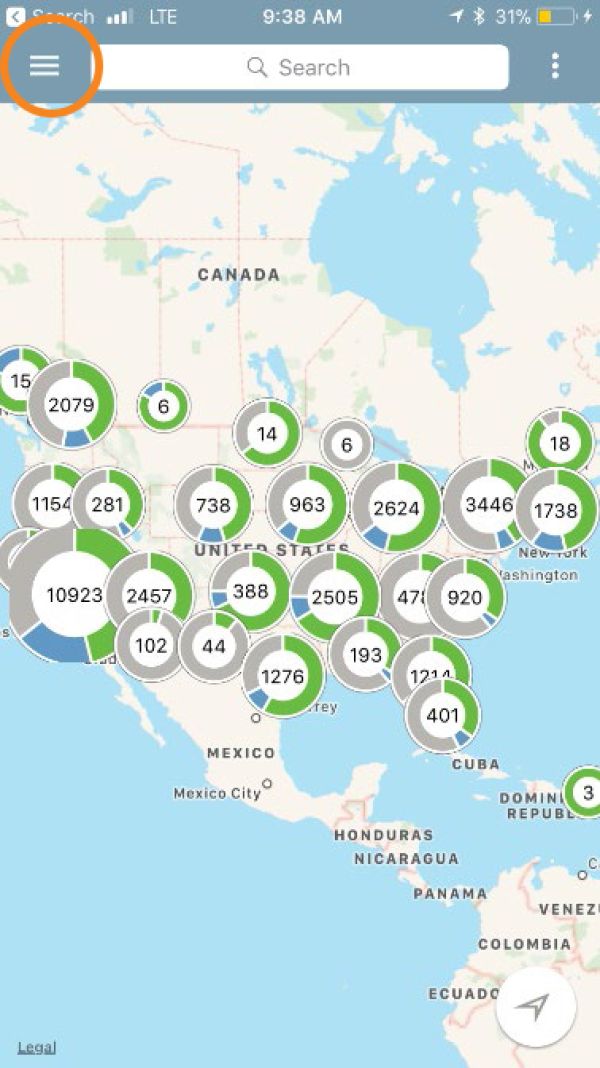
Step 1: Open the ChargePoint menu
Open the ChargePoint mobile app and tap the menu icon.
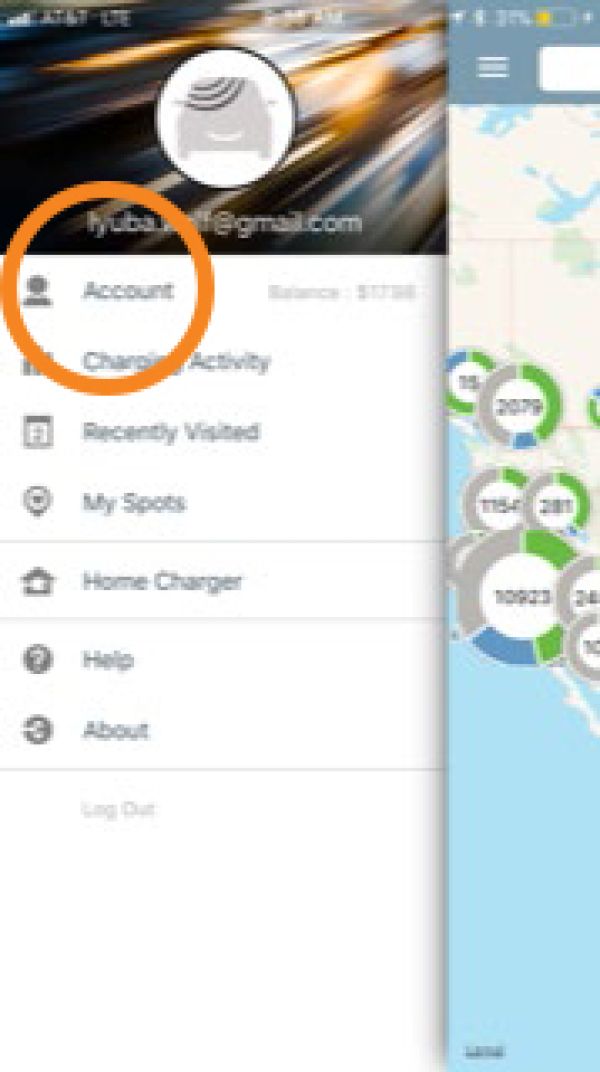
Step 2: Select Account
From the menu, select Account.
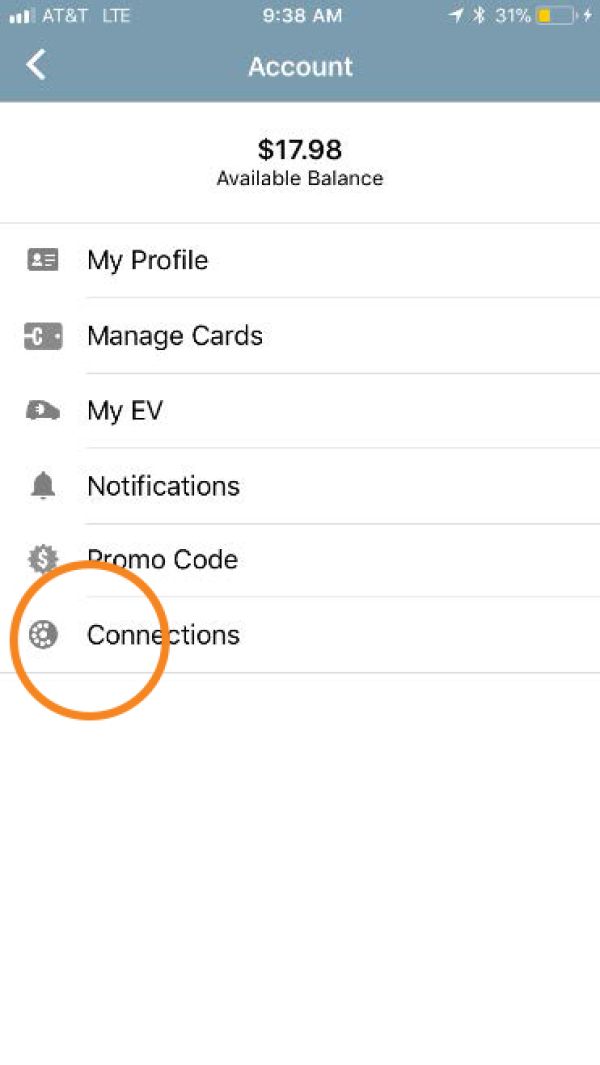
Step 3: Select Connections
From your account screen, select Connections.
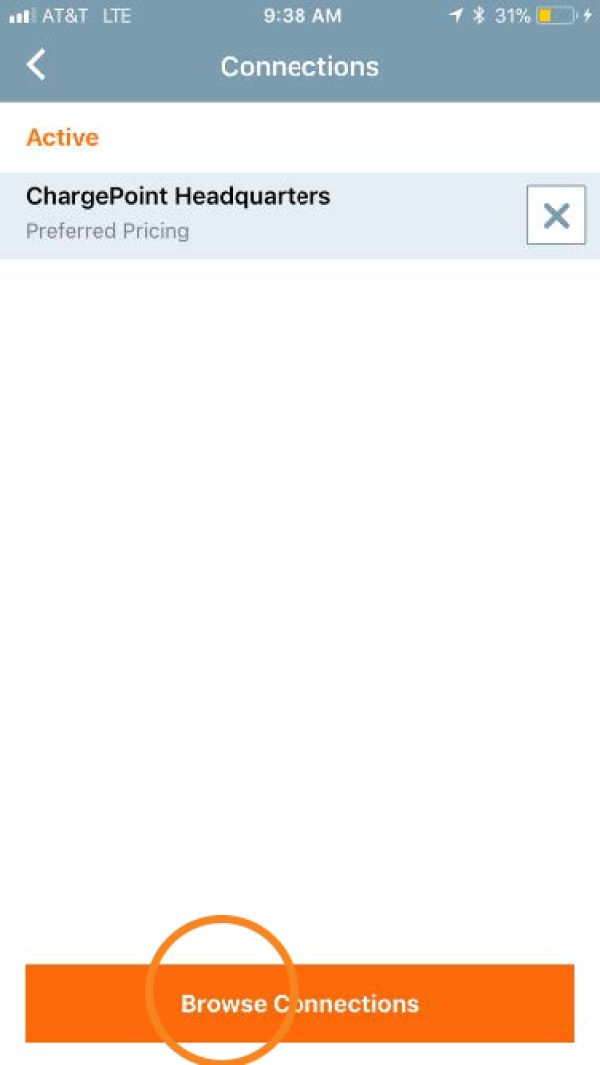
Step 4: Select Browse
On the Connections screen, select Browse.
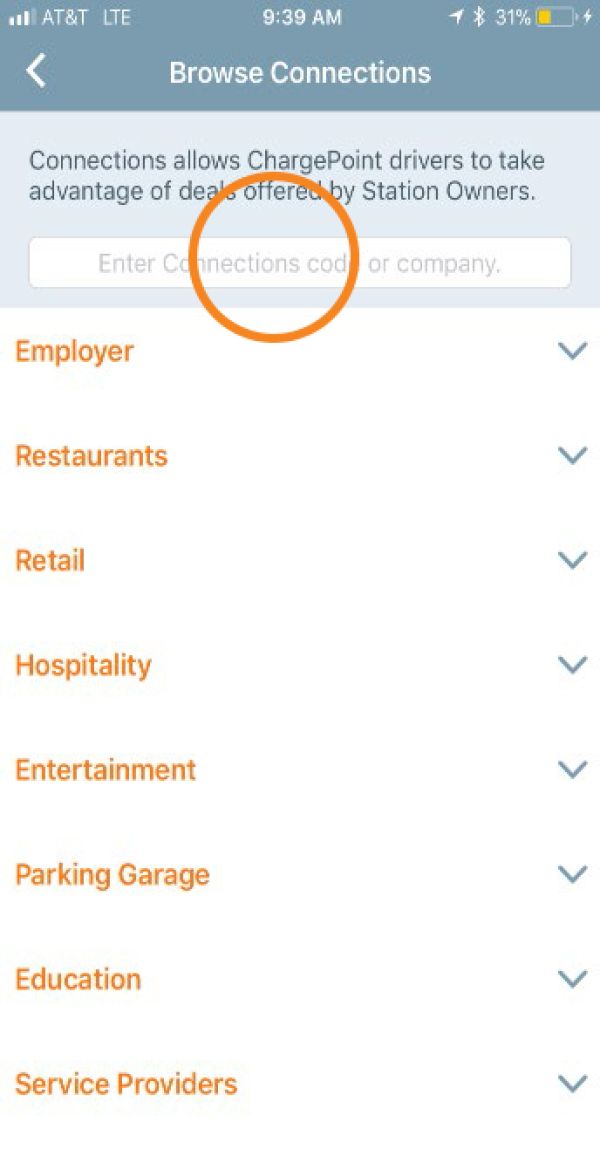
Step 5: Enter the connection code
Enter the Pathways connection code: PathwaysEV.
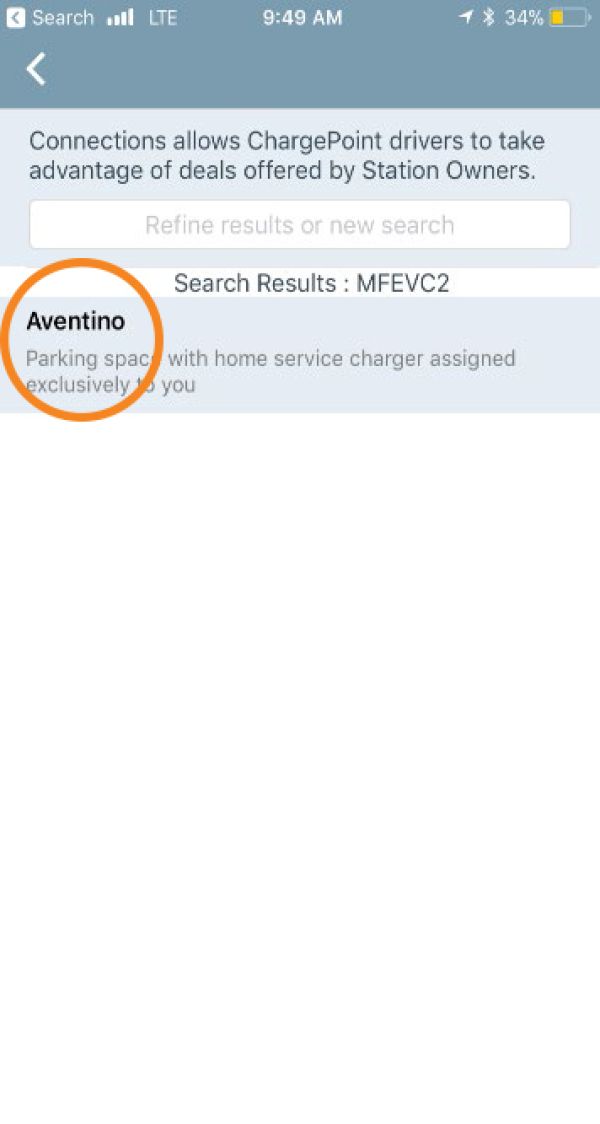
Step 6: Select the Pathways site
Select your Pathways site from the search results.
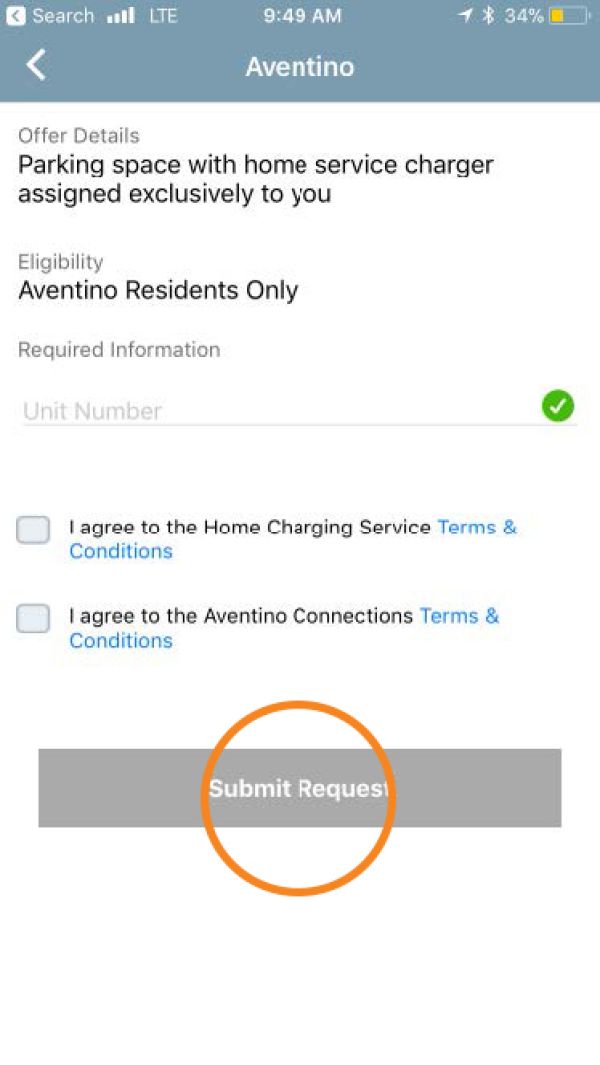
Step 7: Enter the requested information
Complete the requested information so your driver account can be reviewed for access.
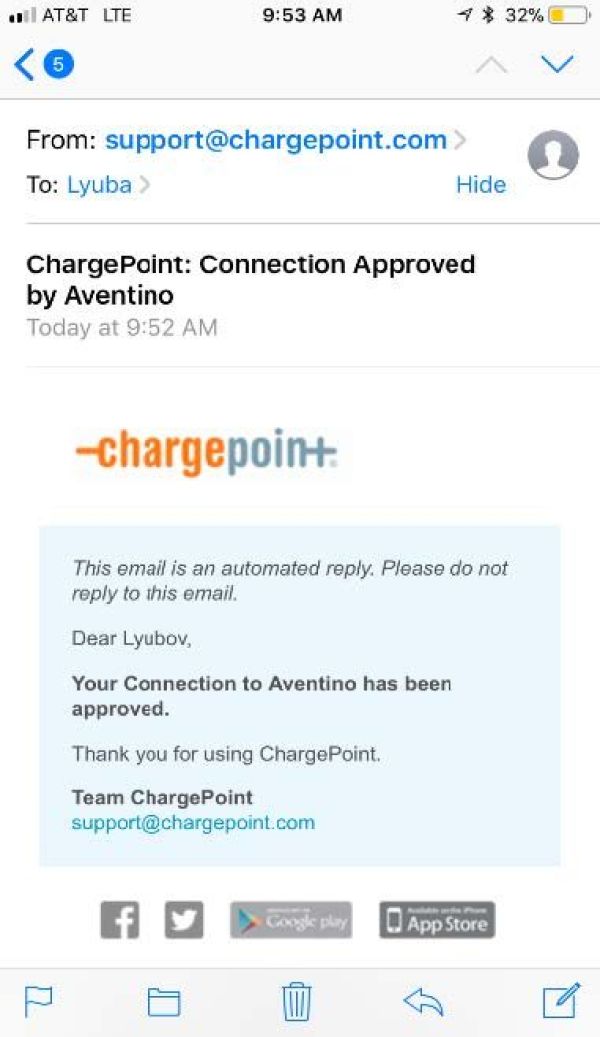
Step 8: Watch for your approval email
You will receive an email after your driver account has been approved.
Need help getting approved?
If you need help getting access to charging at your location, contact your property or program manager. If your property or program manager needs help approving your driver account, they can contact ChargePoint Support.