








How Do I Enroll in the Pathways Online Banking Platform?
How Do I Enroll in the Pathways Online Banking Platform?
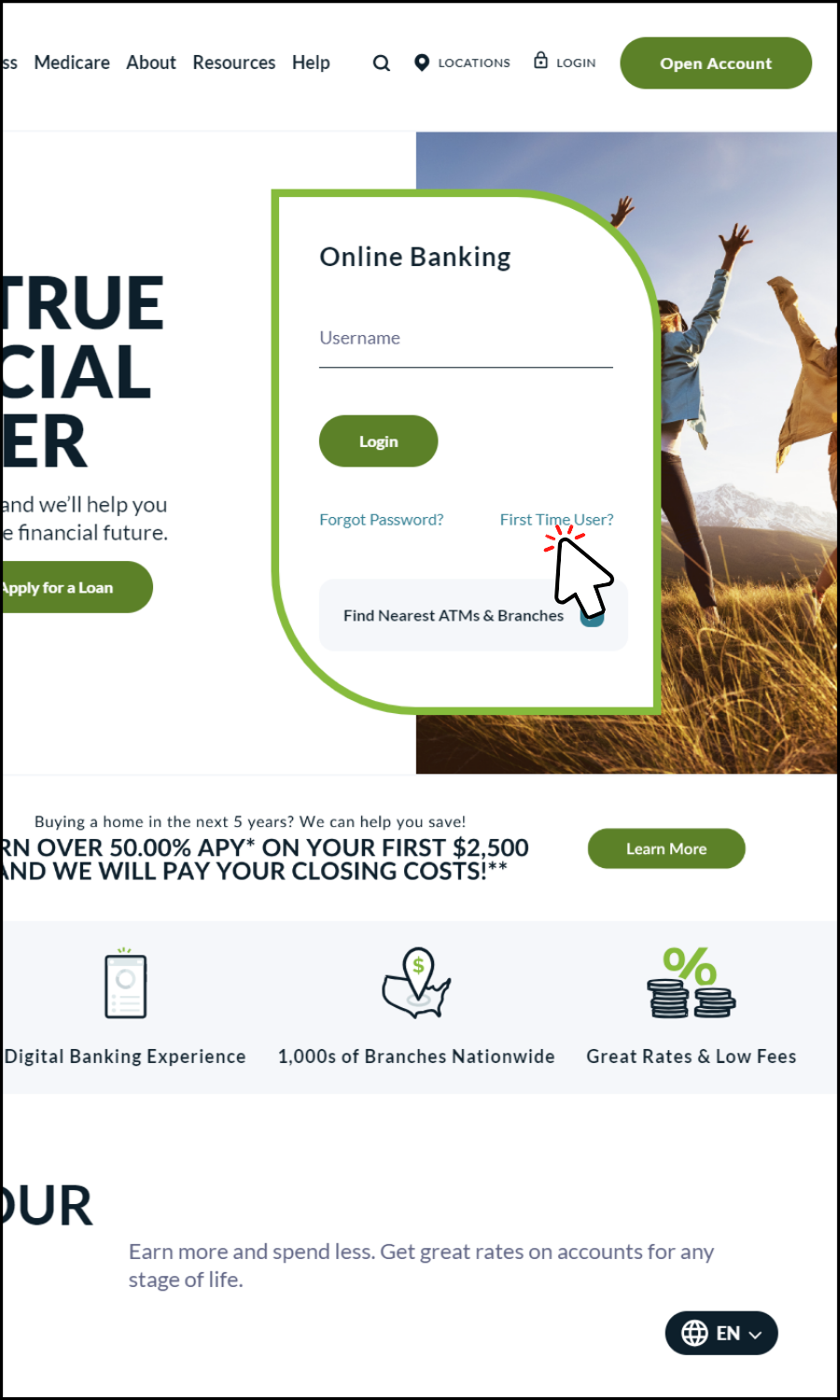
Visit our homepage and click on “First Time User” in the Online Banking Access near the middle of the homepage. Follow the prompts for the initial setup.
Once you have enrolled in online banking, you will have access our full suite of online services!
You will be able to enroll in Bill Pay only if you open a Pathways Checking Account.
-
Register
Register as an individual – either as the primary account holder or joint owner.
-
Enter Your Member Number
Follow the prompts and enter your member number for verification.
-
Authenticate
Authenticate your account by entering the security code you receive by either text (for a mobile phone) or voice call (for landline phones).
-
Credentials
Create a username and password.
-
Provide Consent
Consent to the Pathways online and mobile banking agreement.
-
Update Personal Information
Once you have completed your online banking enrollment, please update your contact information (e-mail address and telephone numbers) and register your device for notifications.
Get Familiar with Pathways Mobile Banking Apps
Manage your money anytime, anywhere with Pathways Online and Mobile Banking. Download our mobile app to check balances, transfer funds, pay bills, and stay in control of your finances on the go.
You're About to Leave the Pathways Credit Union Website
By clicking continue, you are leaving Pathways Financial Credit Union's website and accessing the site of a third party not related to or controlled by the Credit Union. We are not responsible for the products, services, or content found at this third-party site; nor does our privacy policy cover any third-party website. Please consult the privacy disclosures on the third-party website you are visiting for further information.
Continue to